Choosing a plan
Choosing a plan
Meletema's plans are built around three feature flags. The number-of-decks limit, students, attempts — those are unlimited on every plan. What changes between tiers is which LMS integrations are unlocked.
The three feature flags
- LTI 1.1 — Legacy LMS support. Lets you generate consumer key / shared secret pairs.
- LTI 1.3 — Modern LMS support, with dynamic registration.
- Grade passback — Final attempt scores sync to the LMS gradebook (AGS for 1.3, Basic Outcomes for 1.1).
A plan can include any combination of these.
Comparing plans
The Pricing page (in the marketing site) shows all active plans with their monthly price, trial length, and which features are on or off (with a red strikethrough for ones that aren't included).
Trials
Every paid plan includes a trial period — typically 14 days. Each organization gets one trial: if you cancel or switch plans later, the new subscription starts billing right away. You'll add a card to start, but you won't be charged until the trial ends. Cancel inside the billing portal anytime before then and you won't be charged.
During the trial:
- You get full access to whatever features your plan includes.
- A small "Trialing" badge appears on the billing page with the trial end date.
- When the trial ends, you're charged automatically unless you cancel.
Switching plans
Org admins can upgrade or downgrade from Your org → Billing. Switches prorate automatically — Stripe handles the math.
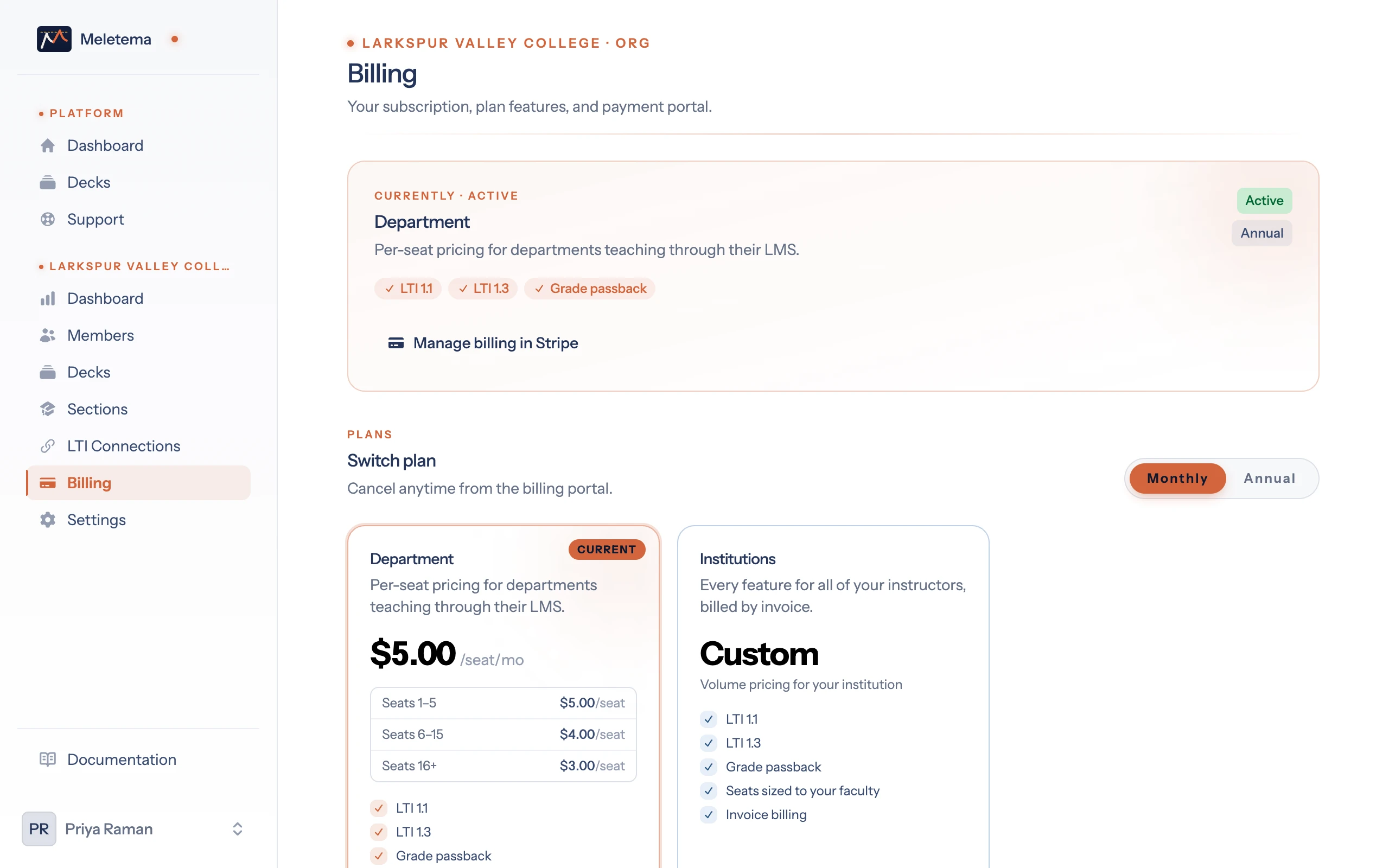
If you downgrade to a plan that drops a feature, launches that need that feature will redirect to a "Subscription required" page until you upgrade again. Existing sections and decks stay in place; only the gated feature stops working.
Cancelling
From the billing page, click Manage billing to open the Stripe billing portal. You can cancel from there. Cancellation takes effect at the end of the current billing period.
After that, your organization drops to the Free plan. Decks, members, and practice links keep working, and LMS features switch off until you subscribe again. Resubscribing starts billing right away, since your organization has already used its trial.